ON Edge S
1 PFLOP AI128 GB memory
One lab, one bench. Runs segmentation, pathology encoders and a local language model side by side.
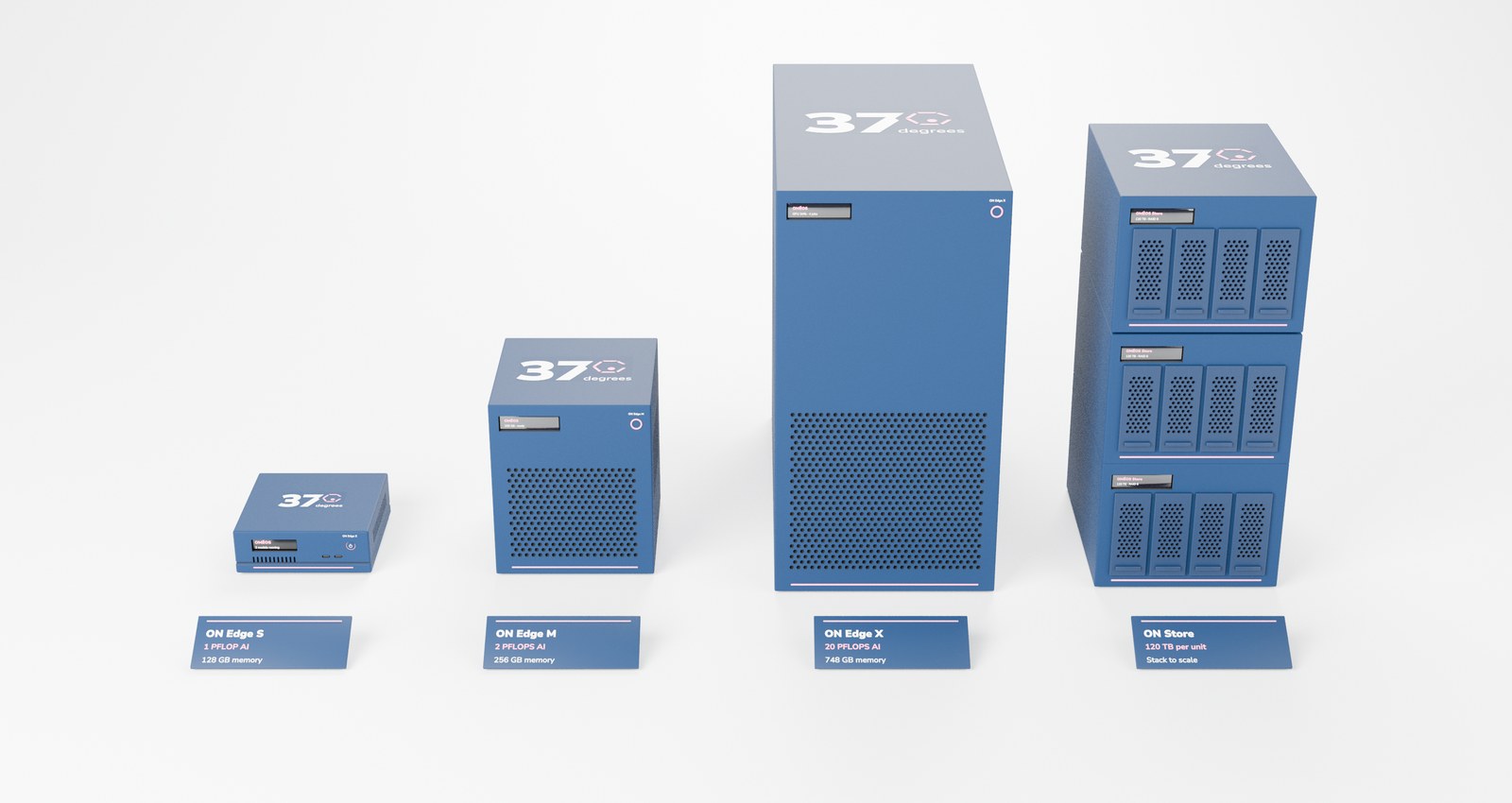
1 PFLOP AI128 GB memory
One lab, one bench. Runs segmentation, pathology encoders and a local language model side by side.
2 PFLOPS AI256 GB memory
A shared box for a group, with room for larger models and several people at once.
20 PFLOPS AI748 GB memory
Department-scale compute for the largest models and batch runs across whole studies.
120 TB per unitStack to scale
Storage that sits next to the compute. Add a unit as your images and data grow.
Specifications are design targets and may change before release.
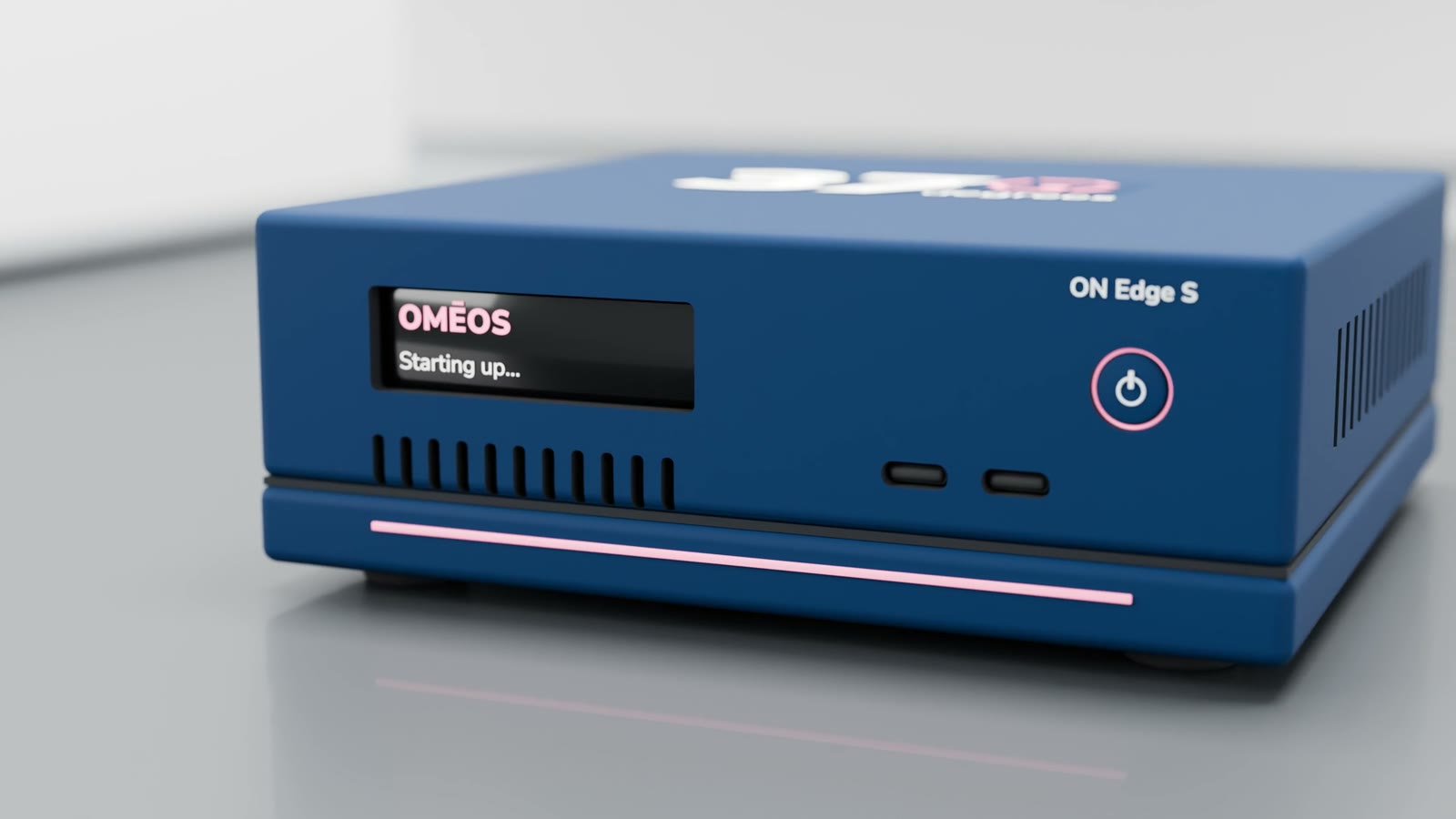
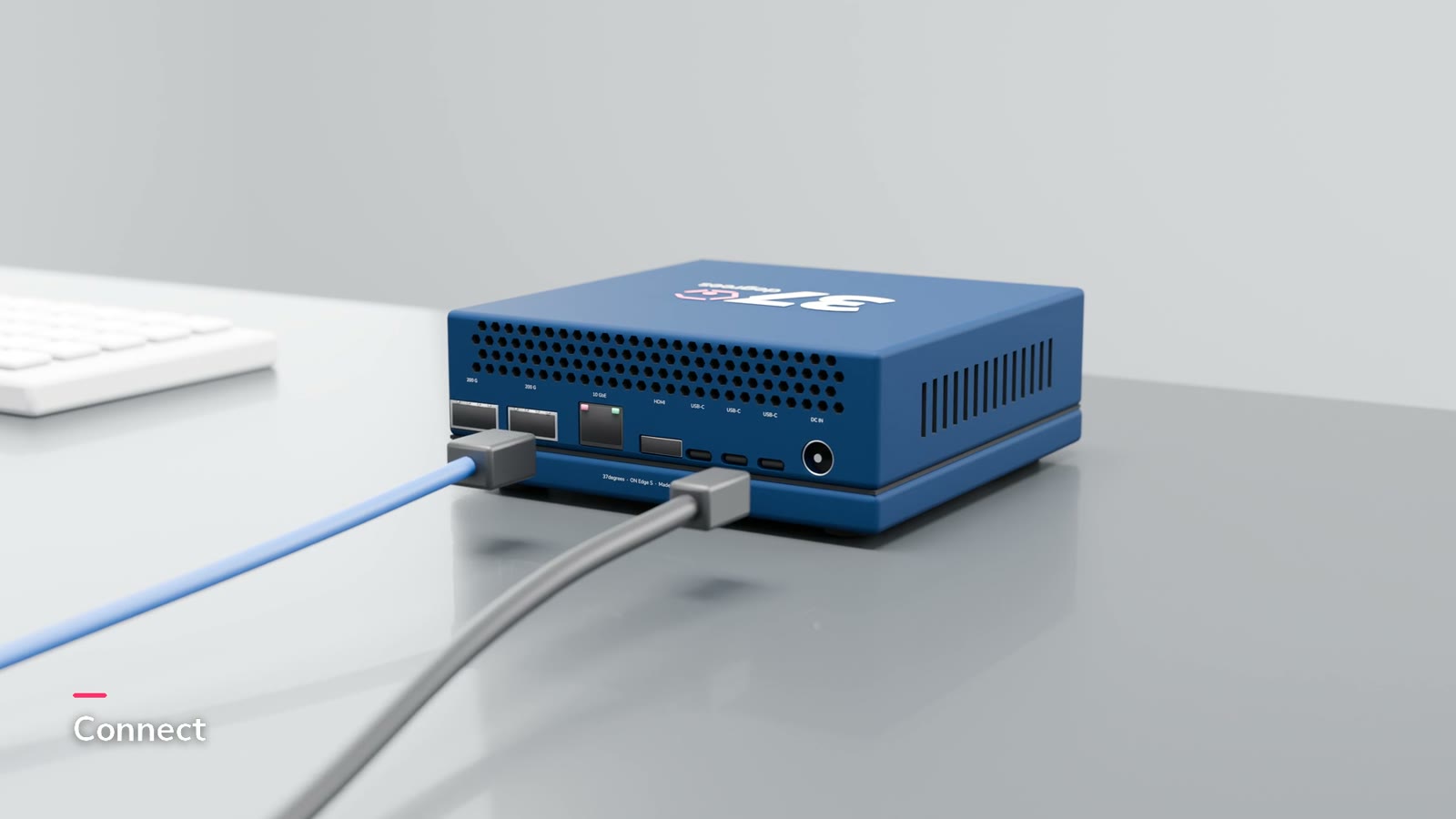
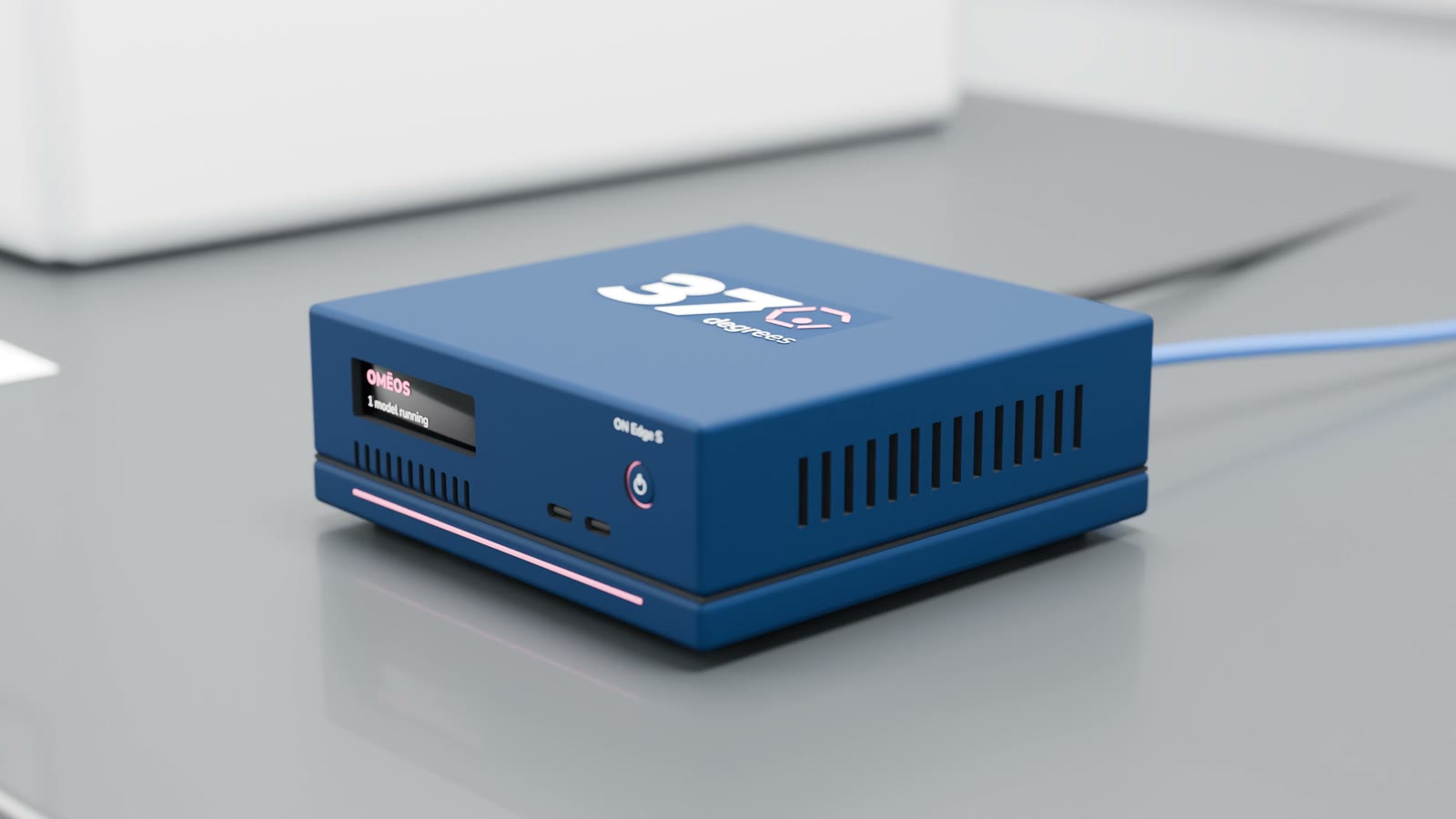
Start with one box. Add ON Store units as your data grows, and an ON Edge X when the models do. Everyone on the team uses them from OMĒOS.
Slides, movies and sequencing runs are large. Analyse them where they are, not after an upload.
Segmentation, pathology and protein models run comfortably on an ON Edge S.
ON Edge appears in OMĒOS like any other computer, next to your laptop, and soon ON Cloud.