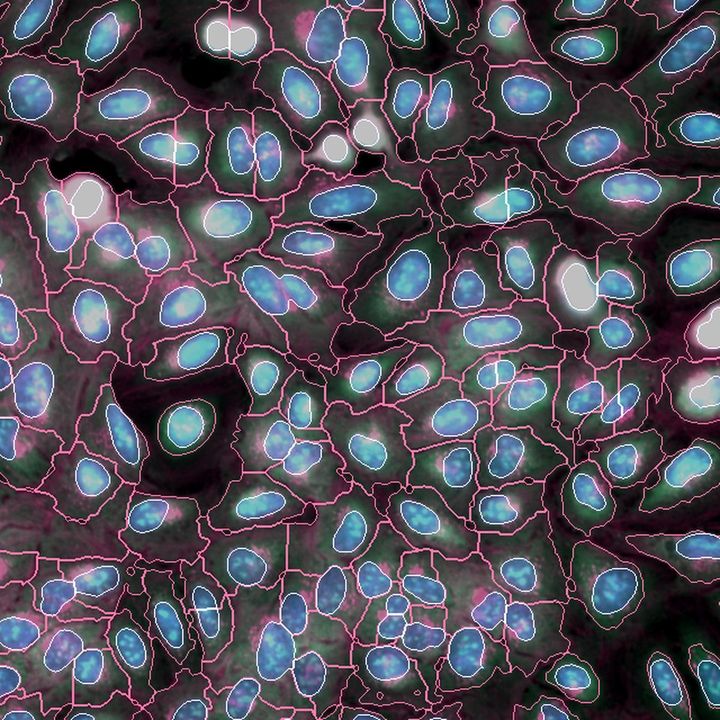
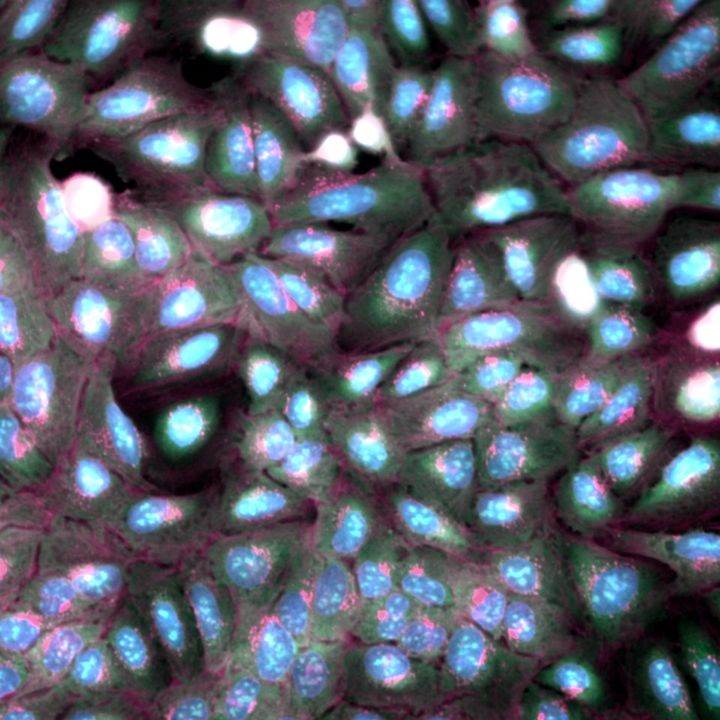
Cellular microscopy
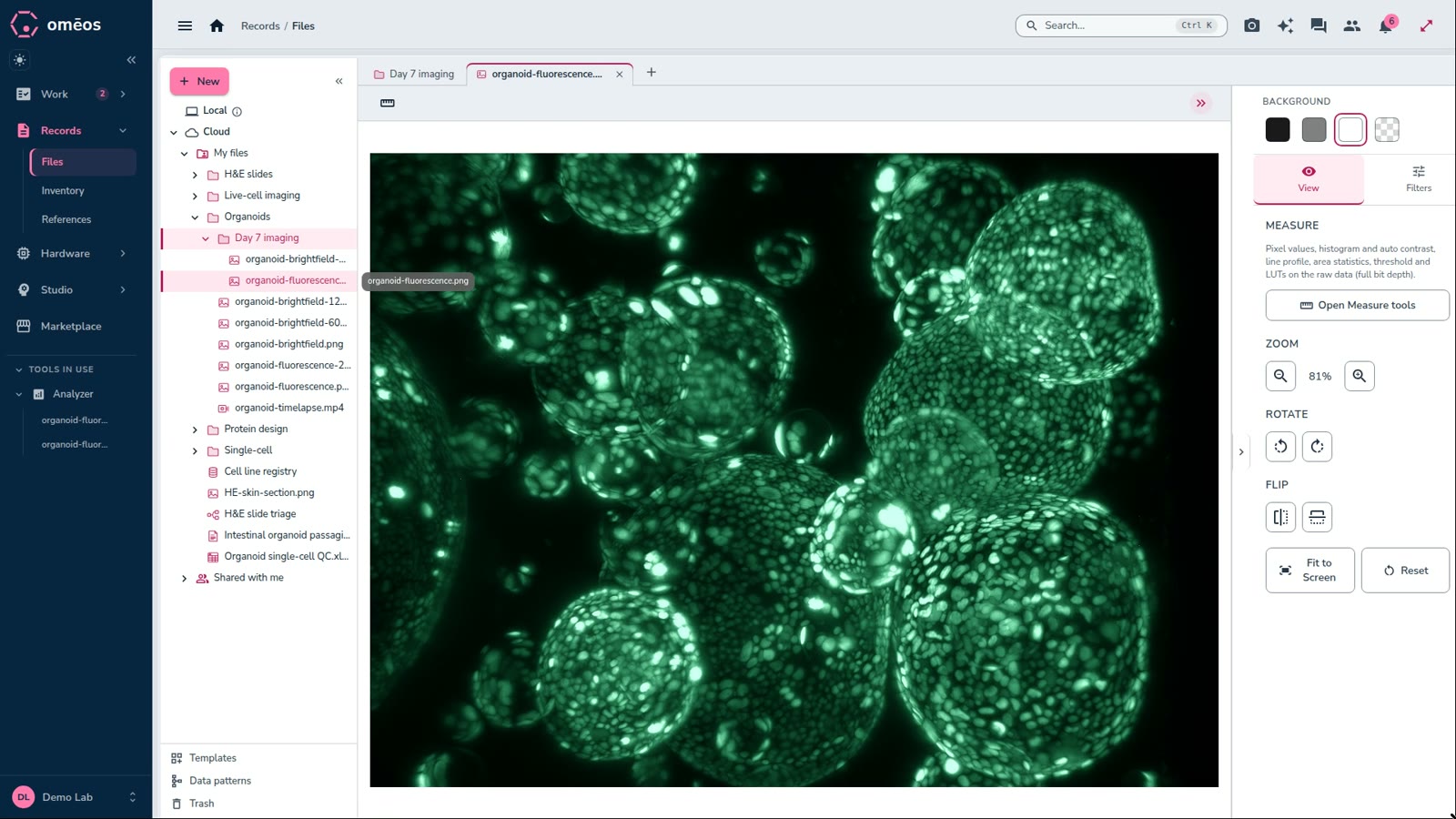
Segment and measure every cell in multi-channel fluorescence, across a whole plate.
Read more →Instruments, data, protocols and your team in one workspace, with AI that runs on your own machines.
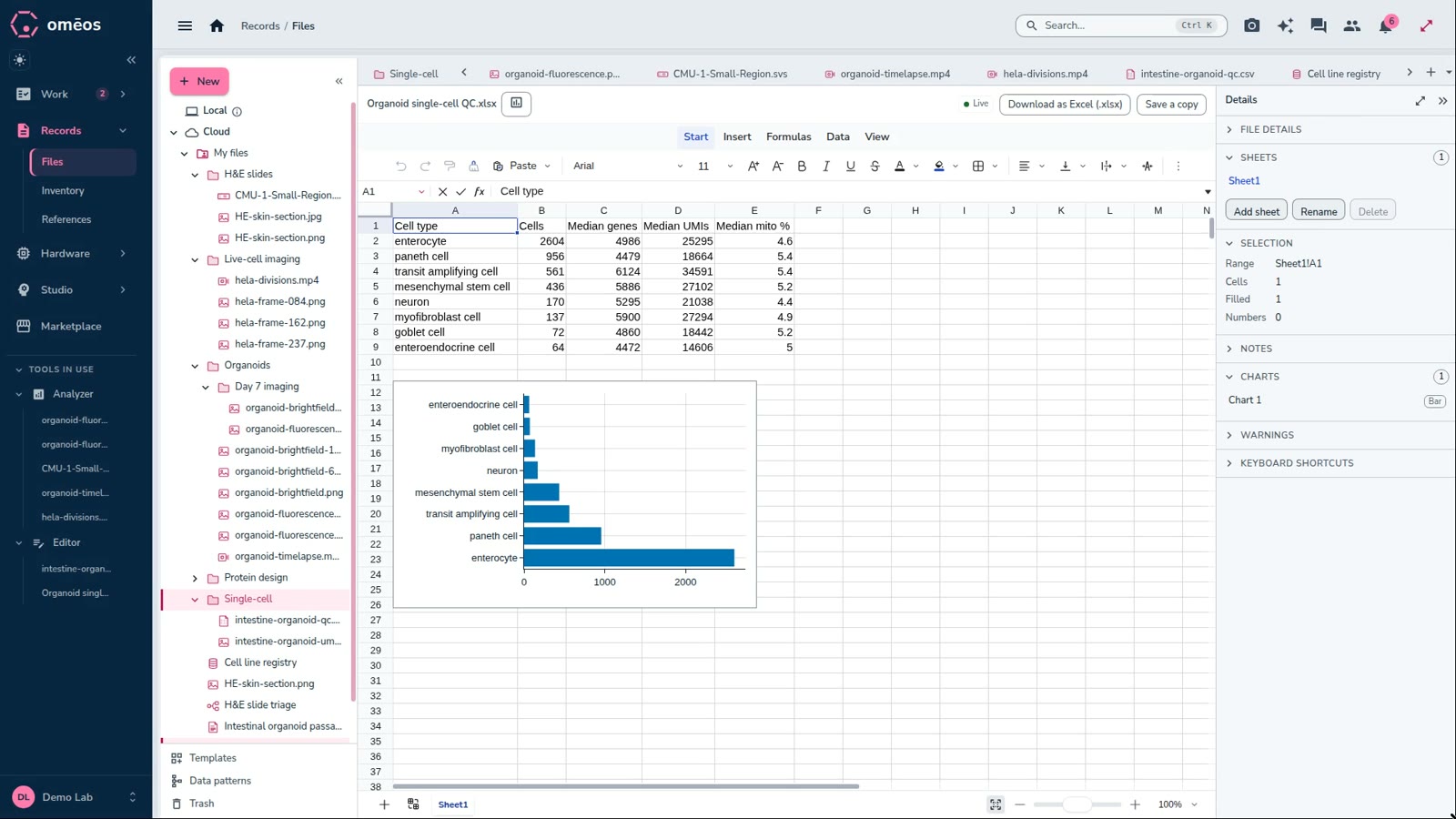
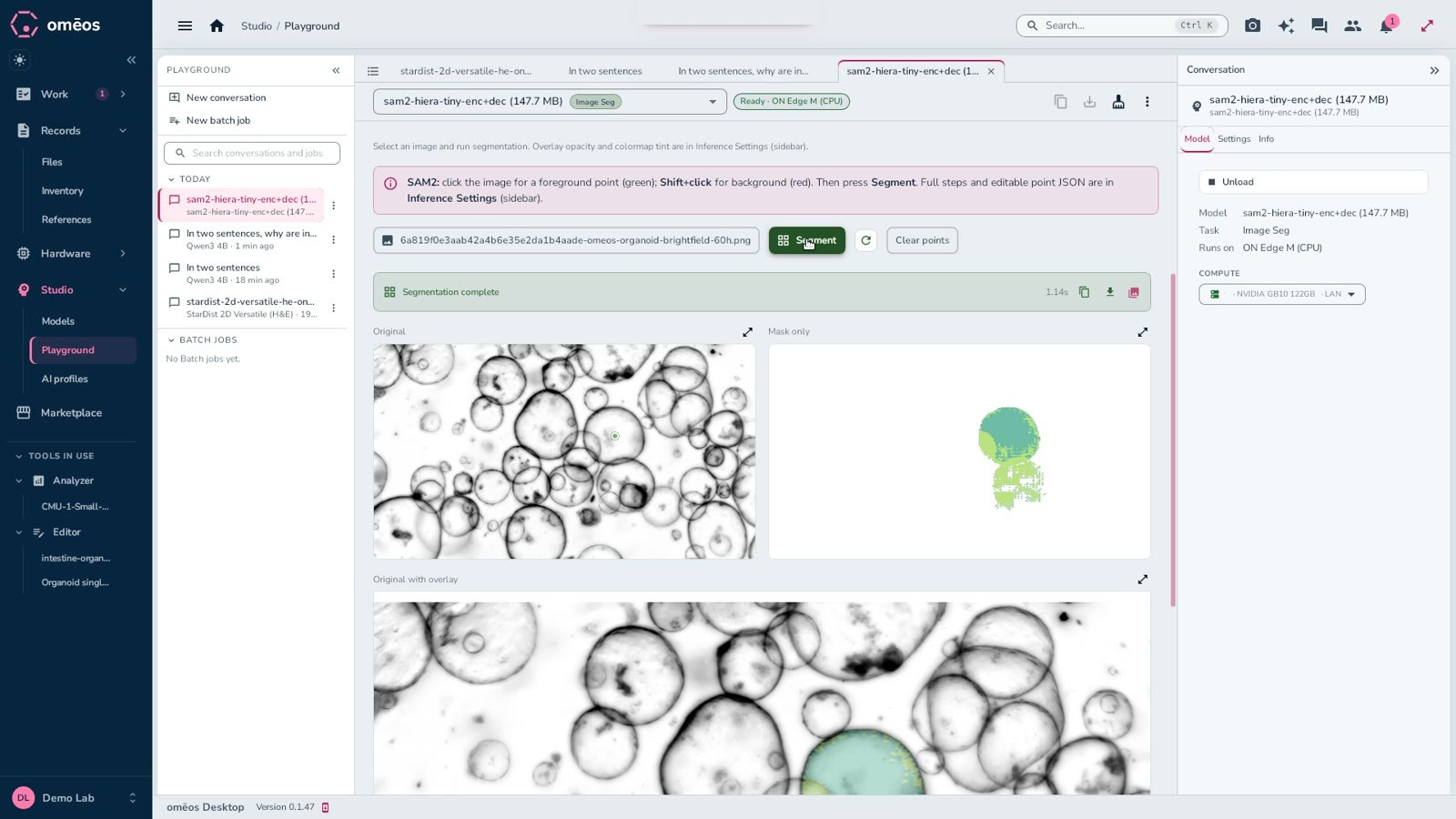
Instrument software, spreadsheets, an ELN, an image tool and a chat app each hold a piece of the experiment. See how OMĒOS brings them into one workspace.
Every image here is real, openly licensed research data.
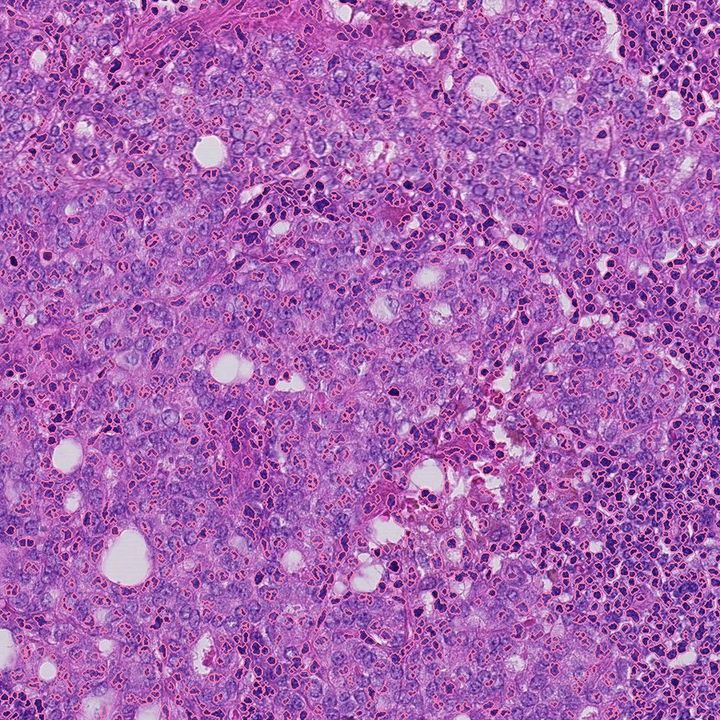
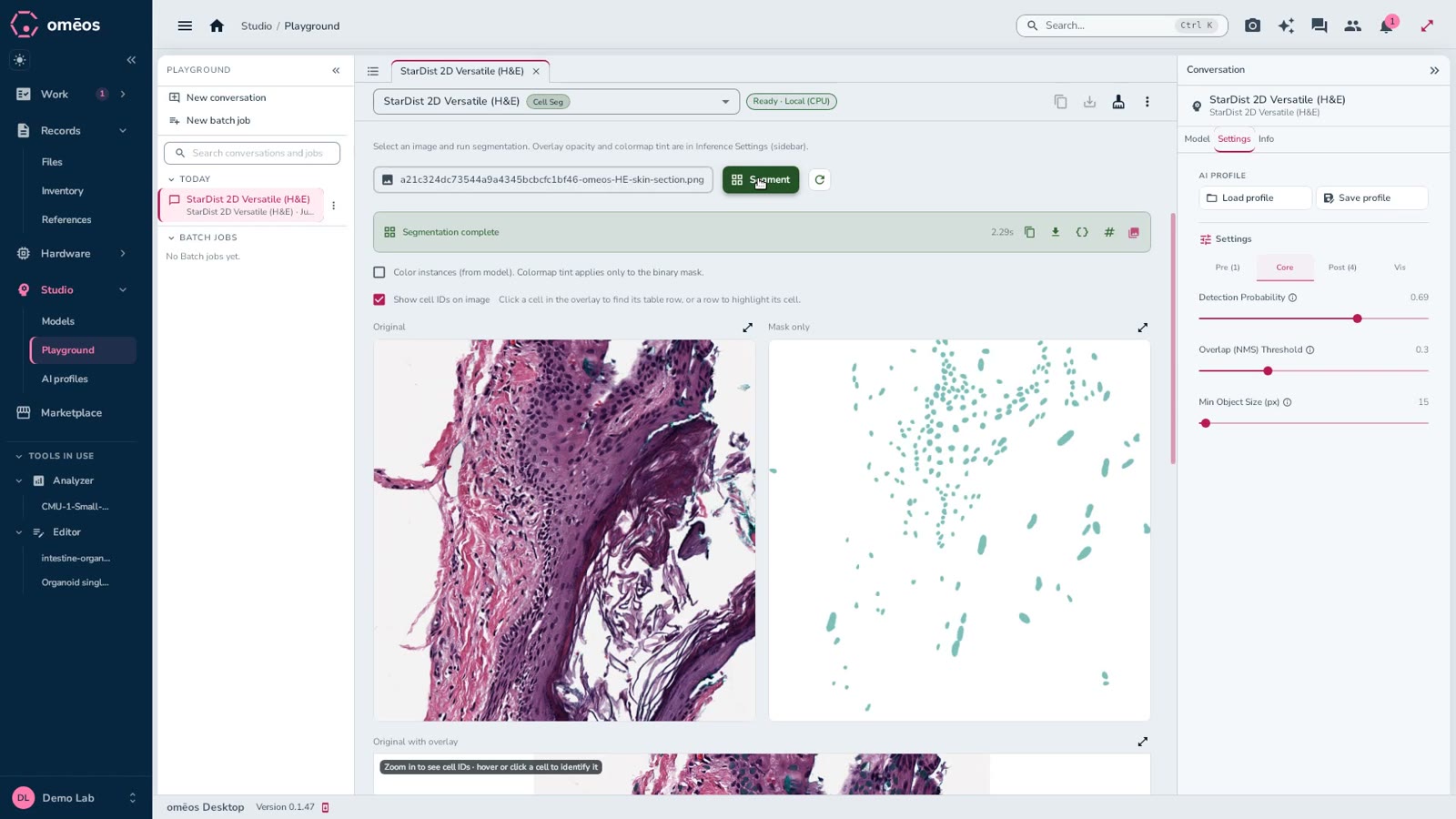
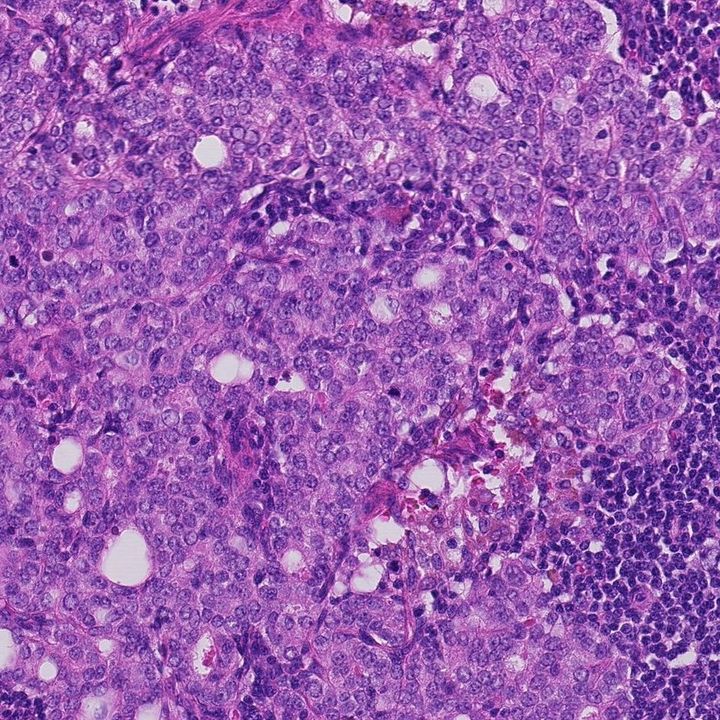 Nuclei detectedH&E
Open gigapixel slides on the desktop or in the browser, run nucleus segmentation and pathology foundation models, and share the annotated slide with your team.
Segment and measure every cell in multi-channel fluorescence, across a whole plate.
Read more →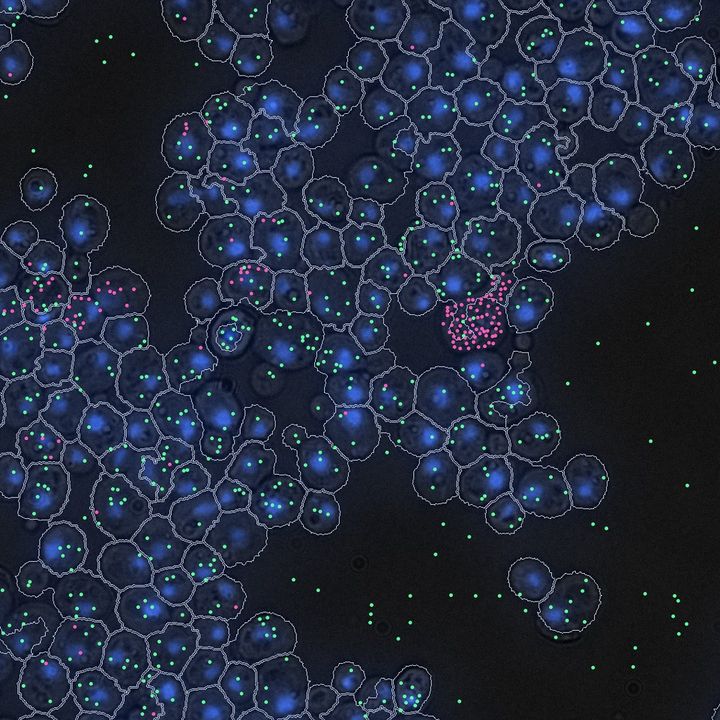
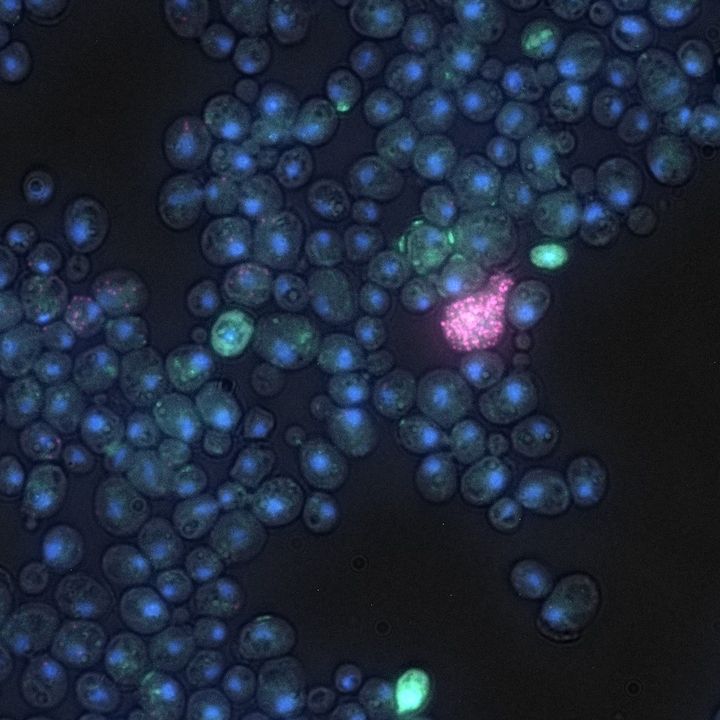
Keep molecule imaging with its cells and sample. Spot detection coming soon.
Read more →
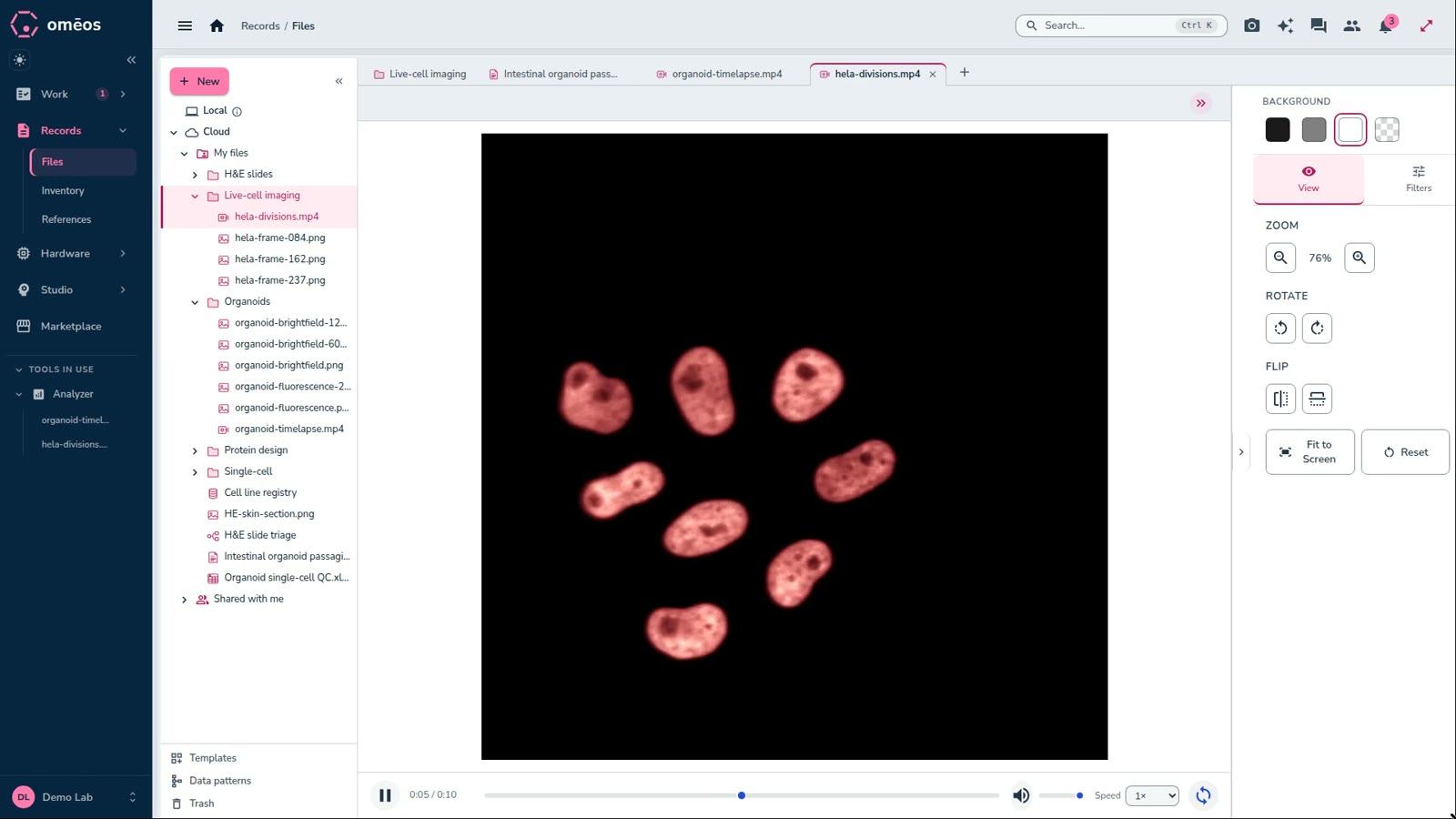
Play brightfield and phase-contrast time-lapses in place. Cell tracking coming soon.
Read more →Hover a card to see the analysis. Image credits at the bottom of the page.
| Capability | OMĒOS | QuPath | HALO | Benchling | Labguru |
|---|---|---|---|---|---|
| Whole-slide and microscopy viewer | ✓ | ✓ | ✓ | – | – |
| Cell segmentation models built in | ✓ | ✓ | ✓ | – | – |
| Runs on your own GPUs or HPC | ✓ | ~ | ✓ | – | – |
| Instrument data and device control | ✓ | – | – | ~ | – |
| No-code workflows | ✓ | – | ~ | ~ | – |
| ELN and live documents | ✓ | – | – | ✓ | ✓ |
| Inventory and equipment booking | ✓ | – | – | ✓ | ✓ |
| Research marketplace | ✓ | – | – | – | – |
| Free plan | ✓ | ✓ | – | ~ | – |
✓ built in · ~ partial or add-on · – not offered.
Every plan: unlimited devices, the desktop and web apps, and the image analyzer. Usage is metered and always visible in the app. Draft prices, to confirm.
One workspace for a lab's instruments, files, data, documents, projects and AI models, on the desktop and in the browser.
For work on your own machine, yes: the desktop app opens local files and runs models on your computer. Sharing and cloud sync need a connection.
Yes. Register a device under Hardware, and its readings stream in and are kept with their history. Shared equipment is booked on a calendar.
Yes. Pick from a growing catalog of models or bring your own, and run them on Apple silicon or NVIDIA GPUs: your laptop or workstation, a lab server, or cloud GPU instances.
In your organization's cloud storage, on your own machines, or both. Local-only mode keeps sensitive files on the machine they're on.
Download the desktop app or open the web app, sign in, and follow Get started on Home. The Getting started film in Learn walks through it.